
Automation and Integrations
Let Important Work Move Without Constant Manual Effort.
noname connects platforms and automates important workflows so leads, customer information, marketing activity, and internal tasks move with less friction.
Automation With a Purpose
Automate the Right Steps, Not Every Step.
Automation should solve a clear problem. A poor process does not become better simply because it moves faster. Automating the wrong step can create more confusion, send the wrong message, or make an error harder to notice.
We begin by reviewing the full workflow. We look at what starts the process, which tools and people are involved, where delays happen, and what should remain under human control. Then we automate the steps where speed, consistency, or reliable information creates a real benefit.
Connected Tools and Workflows
Help Information Reach the Right Place at the Right Time.
The specific solution depends on the process, the tools involved, and what the company needs to improve.
Lead Routing & Follow Up
Send new leads to the right person, platform, or process based on the information they provide. Automation can also trigger a confirmation, internal alert, follow up task, or email sequence so the next step is not missed.
Forms & Data Capture
Connect website forms to email tools, customer systems, spreadsheets, reporting tools, or internal processes. This helps reduce duplicate entry and keeps important information from being trapped in one platform.
System Connections
Connect a customer relationship management system, websites, or other platforms. The goal is to give the team a clearer view of each lead or customer without requiring the same information to be entered several times.
Email Workflows
Create useful email sequences based on a customer action, request, purchase, or stage in the journey. This may include confirmations, reminders, education, lead follow up, customer support, and continued engagement.
eCommerce & Cart Recovery
Respond when someone begins a purchase but does not complete it. Cart recovery can send timely reminders, help customers return to their order, and record when the purchase is recovered.
Internal Workflows
Trigger tasks, alerts, approvals, updates, or information transfers when an important event occurs. This can help reduce slow handoffs and make ownership clearer across the team.
Reporting Automation
Move information into reports or dashboards without requiring the team to rebuild the same view by hand. The reporting still needs to be checked for accuracy and designed around a clear business question.
API Connections
Use available platform connections or custom API connections when tools need to share information. A custom connection should only be used when it solves a clear need that standard options cannot support.
A Practical Example
Recover Customer Interest Without Relying on Manual Follow Up.
A specialized product company had customers begin the checkout process without completing their purchase. The team did not have a consistent way to follow up, help customers return to their cart, or confirm which purchases came from the recovery process.
noname implemented a cart recovery workflow that identified abandoned carts, sent a planned series of emails, connected recovered activity to completed orders, and created reporting around the process.Customers received a clearer way to return when they were ready.
The team gained a more dependable follow up process and better insight into which recoveries were verified. The automation supported the customer journey without requiring someone to review every abandoned cart by hand.
A Workflow or a Wider System
Begin With the Scope of the Problem.
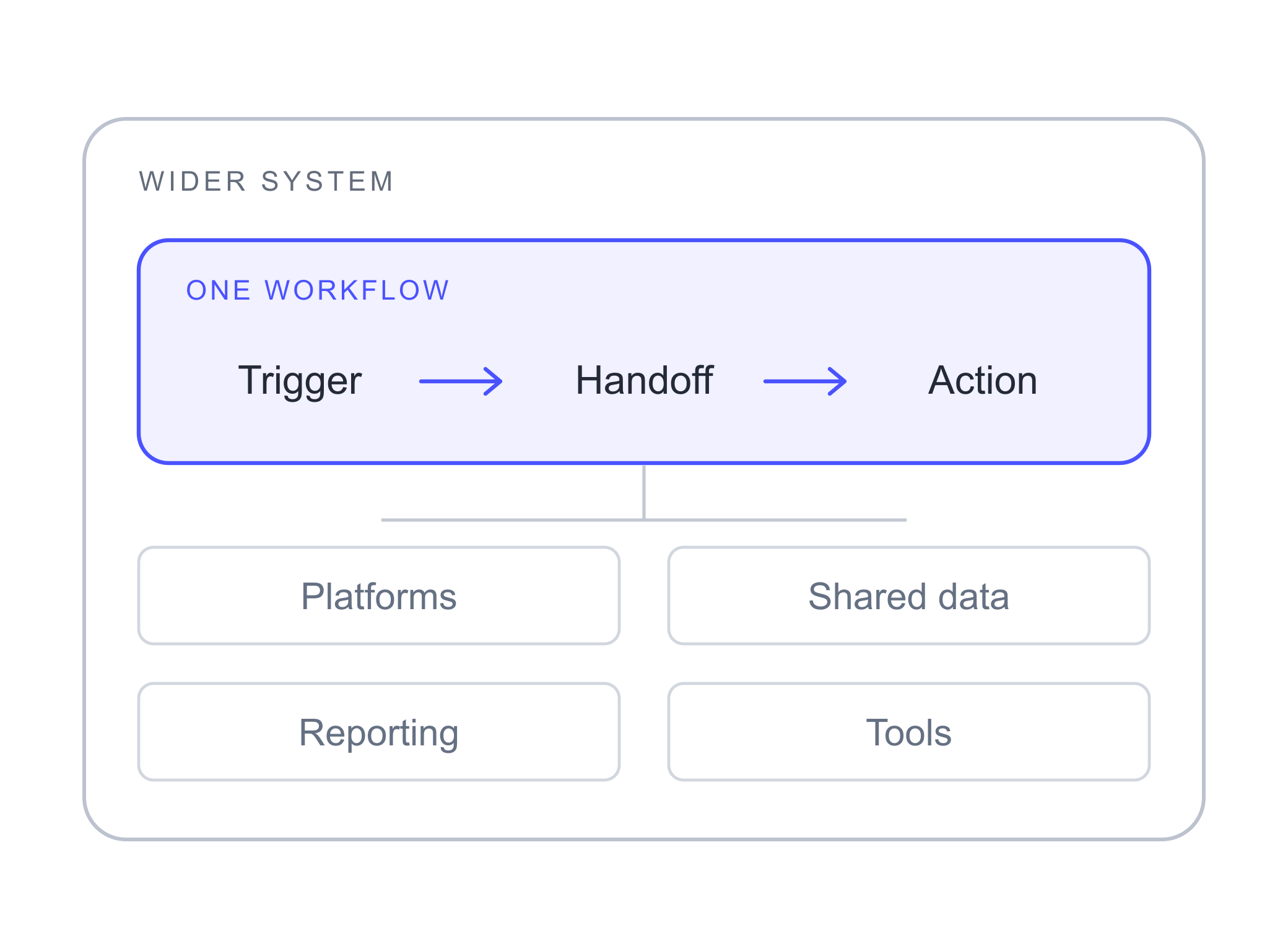
Automation and Integrations is the right starting point when the main issue involves a specific workflow, repeated task, handoff, or connection between tools.
Technology, Data and Automation is broader. It is better suited to problems involving the full technical setup, data structure, reporting foundation, custom tools, or several parts of the company.
If one workflow is revealing a larger technical problem, we can review the wider system before deciding what should be built.
Is This the Right Fit?
Choose This Capability When Manual Work Creates Friction.
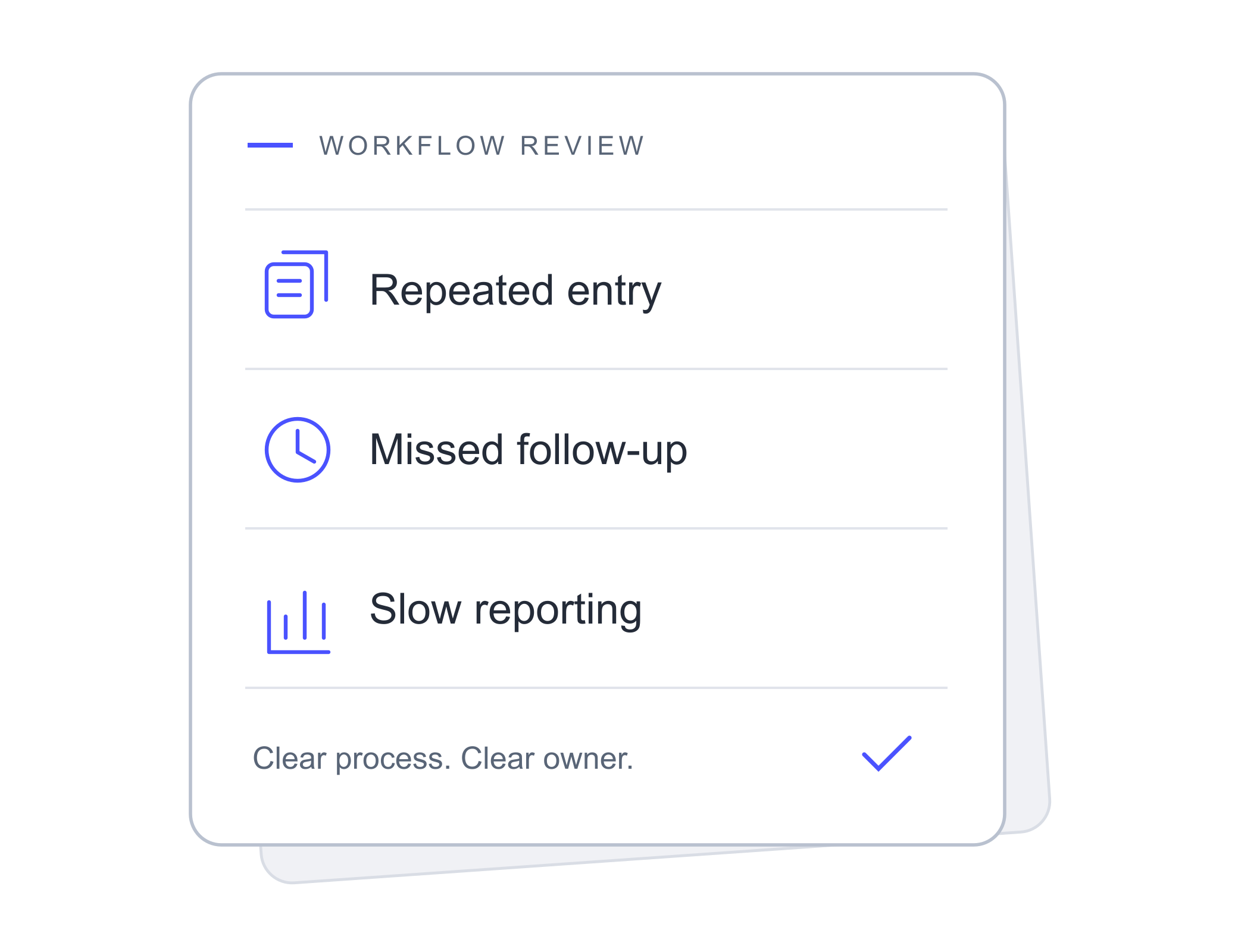
This work may be useful when leads are missed, information is entered several times, follow up is inconsistent, reports take too long to prepare, or important tasks depend on one person remembering every step. It may also be the right place to begin when the company has useful tools that do not share information or support the same process.
noname is not the right fit for companies that want to automate an unclear process without first deciding how it should work. We work best with teams that want practical automation, clear ownership, reliable information, and a better experience for both customers and employees.
Talk Through the Workflow That Is Slowing You Down.
Tell us what starts the process, which tools are involved, where the delays happen, and what your team is doing by hand. You do not need to know which integration or automation platform you need. We will help map the process, find the friction, and decide what should happen next.